
Your artwork is finished.
The file is the hard part.
Bleed that does not reach the edge. Type sliding into the binding. A picture that looked fine on screen and printed soft. Every round trip to the printer is days.
Pagequire is a desktop studio for picture books and novels. It knows the print rules, checks your book against them while you work, and writes the print files to those specifications. Acceptance is always the printer's.
Start with what you already have
Point it at a folder of illustrations. Pagequire reads the numbering, puts the pages in order, and sends the cover to the jacket where it belongs.
It tells you while you work, not after
Bleed, the safe area, and the gutter sit on the page while you work. Scan names each problem and which printer rule it comes from. You do not wait until export to find out.
Resolution below 300 DPI, artwork that misses the bleed, type in the barcode zone, spine text on too thin a spine. 59 checks, each naming the printer rule it comes from, written against Amazon's and IngramSpark's published guidelines rather than guesswork.
It computes the physical object
Spine width from page count and paper stock. Cover wrap from trim and binding. Change the size of the book and the whole jacket recomputes — and it tells you what no longer fits.
A book made in it
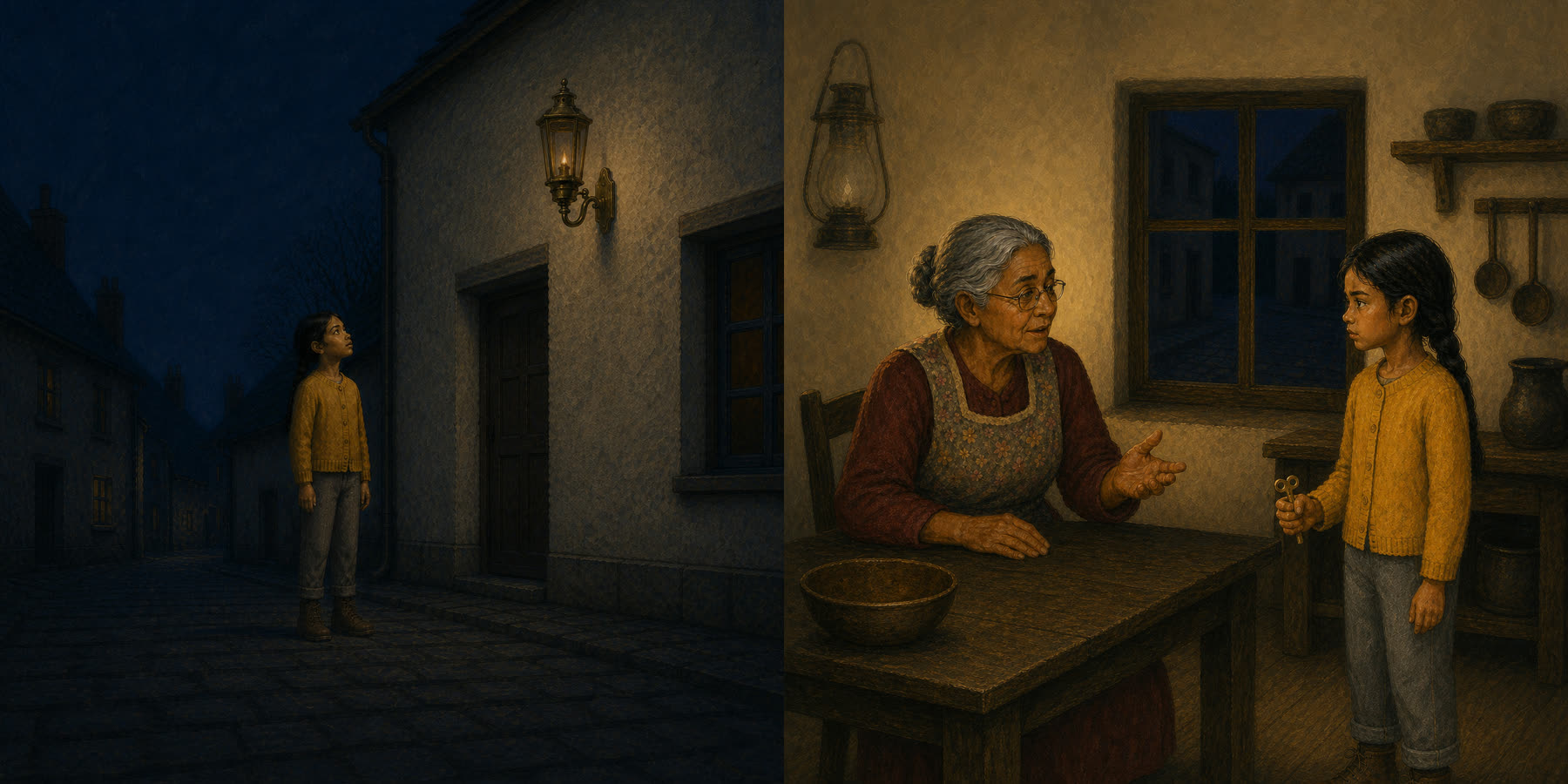
The Lantern on Cobble Street ships inside Pagequire as a finished 24-page sample — open it, take it apart, break it.

The print rules, explained
Five short films on the things that get books rejected. No product in them — they are just the explanations we wished existed.
- BleedWhy your print file is bigger than your book.
- The gutterWhy a fat book needs a fatter inner margin.
- The spinePage count times paper thickness.
- DPIWhy making a picture bigger makes it worse.
- Color on pressKnow before you print.
Also in it
- Print cost and royaltyUnit cost, minimum list price and royalty at your trim, stock and page count — in the app, while the page count is still changing.
- Client reviewOne self-contained HTML file of the whole book. Send it to an author, an editor or a client; it opens on a phone with no account and no app.
- Page templatesLayouts that place text and picture frames inside the safe area for that trim, on that side of the spread.
- Listing detailsCategories, reading age, ISBN checked for a valid check digit, and seven keyword slots scored against Amazon's published rules.
- ONIX metadataThe XML record a distributor asks for, if you go wider than Amazon.
- Novels tooA second studio for text-led books: import a manuscript, typeset it, export print and a reflowable EPUB.
Questions
What happens after the first 12 months of updates?
Nothing, unless you want it to. The version you have keeps working forever — every book you have made, every file you can export, unchanged. Renewing at $59 a year keeps new trim sizes, printer specification changes and new features coming. Printers change their requirements without notice, and keeping up with them is the work the renewal pays for. Skip a year and come back later if you prefer.
How much bleed does a KDP picture book need?
0.125 inches, added to the outside edge only on width and to both the top and bottom on height, because the spine edge is bound rather than cut. An 8.5 by 8.5 inch book needs an 8.625 by 8.75 inch page, which is 2588 by 2625 pixels at 300 DPI.
How is spine width calculated?
Page count multiplied by the published thickness of one page, which depends on the paper stock: 0.002252 inches for black ink on white, 0.0025 on cream, and 0.002347 for color on white.
Why does the inner margin grow with page count?
A thicker book will not lie flat, so more of the page curves into the binding. The gutter steps up rather than growing smoothly: 0.375 inches up to 150 pages, then 0.5, 0.625, 0.75 and 0.875 inches.
Is Pagequire fully IngramSpark compliant?
Yes. PDF/X-1a export converts artwork to CMYK against the GRACoL2006 profile, embeds that profile as the output intent, embeds fonts, avoids transparency and writes correct trim and bleed boxes. Five books exported from Pagequire, across hardcover and paperback and trim sizes from 32 to 320 pages, have passed IngramSpark's own title metadata and content file validation with no errors on either check.
Is Pagequire affiliated with Amazon or IngramSpark?
No. Pagequire is an independent product. It is not affiliated with, endorsed by, sponsored by, or connected to Amazon.com, Inc., Kindle Direct Publishing, Ingram Content Group, or IngramSpark. It produces files to their published specifications, and acceptance of any file is always the printer's decision.
Mac first
Everything works. Every editor, every check, the full report. What you export is a proof: crop marks, guides, and PROOF in the filename.
Good for reading, marking up, and printing at home. It is deliberately not a file you can sell — that is the only difference.
No account. Nothing leaves your machine.
Not available to download yet — join the list below.
One payment. Unlimited books. Picture books and novels. Clean export with the marks removed. Client work permitted.
Includes 12 months of updates. After that the version you have keeps working forever — nothing is taken away, and every book you have made stays yours. Carry on receiving new trim sizes and printer spec changes for $59 a year, whenever you want them. Optional, and you can come back to it later.
Checkout opens here after Paddle is connected.
What it does not do
- Mac only today. A Windows build exists and is not ready: font handling differs, which changes line breaks, which changes pagination. It ships when it produces identical files.
- It is not an illustration tool. It places, scales and checks artwork. It does not draw it.
- It is not a keyword research tool. The listing card checks what you typed against Amazon's published rules. It has no sales data.